

What the software life cycle means
The software life cycle is the structured path a team follows to plan, build, test, release, and support software. It helps teams turn a business need into a working product with clear steps and checks. The Software Development Life Cycle, or SDLC, gives teams a shared way to plan that work.
There is no single model that fits every project. A small product update may need a short, iterative process. A safety-critical system may need formal reviews and detailed records. In both cases, teams need clear goals, steady feedback, and testing across the full life cycle.
The process is a working loop, not just a one-time checklist. Support teams may find a new need after release. The team can then plan a change, build it, test it, and ship an update.
The main phases, from idea to ongoing support
SDLC phases give a project a useful order. Some teams combine steps or revisit them often, but the core work stays much the same. Each phase should produce a result that helps the next phase begin with fewer open questions.
- Planning: Define the problem, users, goals, budget, risks, and likely timeline. Check whether the team can build and support the proposed solution.
- Requirement specification: Record what users and the business need. Set clear limits, such as response times, access rules, and supported devices.
- Design: Map the system’s parts, data, user flows, and links to other tools. Review security and ease of use before coding starts.
- Development: Build the software in small, reviewable parts. Use shared code rules and frequent checks to catch defects early.
- Testing: Check that parts work alone and together. Test key user tasks, safety controls, speed, and recovery from errors.
- Deployment: Release the tested build to users. A staged rollout can limit harm if a fault appears.
- Maintenance: Fix defects, patch security gaps, and adapt the product as needs change. Track support reports to guide later work.
For example, a firm building a client portal might first map key user tasks. It could then test a small sign-in flow with users before adding billing features. That early feedback can prevent costly rework.
These phases also apply to software life cycle work in HCI, or human-computer interaction. Teams study how people use a product, then test whether its design supports those tasks. A screen can meet its technical goals and still fail if users cannot find the next step.
Four common software life cycle models
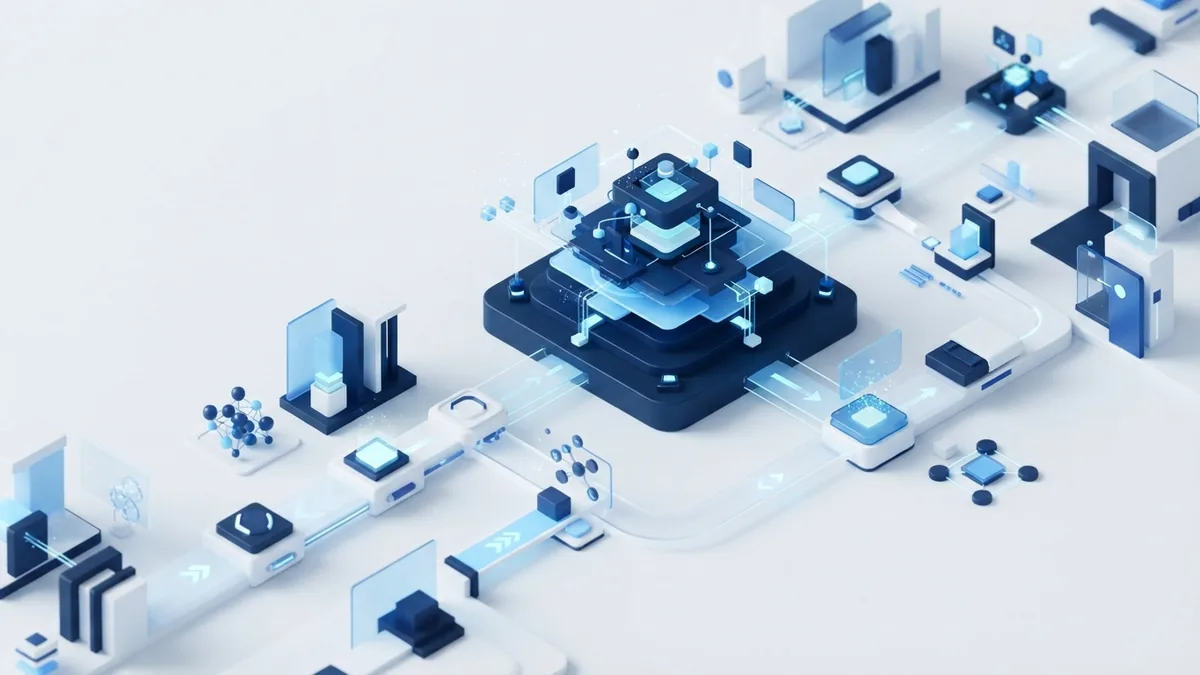
SDLC models describe how teams move through the phases. The main types of software life cycle model differ in how they handle change, feedback, and risk. Picking one depends on the work, the team, and the cost of mistakes.
- Waterfall: Work moves through set stages, often with sign-off before the next stage. It suits work with stable needs, but late changes can cost more.
- Agile: Teams build and review small releases in short cycles. Regular feedback helps them adjust plans as they learn.
- V-Model: Each build stage links to a matching test stage. For instance, system design links to system testing. It suits work that needs strong traceability.
- Spiral: Teams repeat planning, risk checks, build work, and review. This can help with complex projects where key risks need early study.
The V-shaped software life cycle model makes test planning visible from the start. Teams define how they will check each need before they build the related feature. This can expose gaps sooner than waiting for a final test phase.
No model removes the need for sound judgment. A team can use Agile methods while keeping formal review gates for high-risk changes. The best model is the one that gives the team enough control without slowing useful feedback.
Why testing belongs throughout the life cycle
Testing throughout the software life cycle helps teams find faults while they are still small. A missed need caught during planning is often cheaper to fix than a flaw found after launch. Testing also checks that new work has not broken features that already worked.
Use several checks, each aimed at a different risk. Unit tests check small code parts. Integration tests check links between parts. System tests check the product as a whole. User acceptance testing asks whether real users can complete the tasks they need.
For a payment feature, the team might test normal payments, rejected payments, and repeat attempts. It should also check access rules and error handling. A good test plan covers likely misuse, not only the smooth path.
Security should be part of each phase, not a final gate. Teams can review risks during planning, limit access during design, and check dependencies during development. Before release, they can test common attack paths and set a plan for patches.
Continuous integration helps teams run checks each time code changes. This can make defects easier to trace to recent work. It does not replace human review or tests with real users.
Agile and traditional approaches compared
Traditional models often set scope and steps early, then move through them in order. This can make progress and approvals easier to track. It works best when needs are known and change is costly or tightly controlled.
The Agile software life cycle uses short work cycles and frequent review. A team may plan a small set of tasks, build them, test them, and show the result. Stakeholders can then change priorities based on what they see.
| Aspect | Agile approach | Traditional approach |
|---|---|---|
| Planning | Updated as the team learns | Set in more detail near the start |
| Feedback | Frequent reviews of working software | Often tied to planned review points |
| Change | Expected and managed in short cycles | May need formal change review |
| Good fit | Needs are likely to shift | Needs are stable or tightly governed |
Agile is not the same as working without a plan. Teams still need clear goals, design choices, tests, and support plans. The difference is that they revisit those choices more often.
Common challenges and ways to address them
Unclear requirements can lead to features that miss the real need. Ask users to describe tasks and pain points, then turn those findings into testable outcomes. For example, “make search better” is vague. “Show useful results for a common product name” gives the team a clearer test.
Poor stakeholder engagement creates another risk. If decision-makers only review work near launch, teams may build the wrong thing for months. Set short review points and name who can make key choices.
Inadequate testing can let defects reach users or leave security gaps unnoticed. Make test time part of each work plan, and choose checks based on likely harm. Track failures after release so the team can improve both the product and its process.
Teams can also struggle when plans ignore maintenance. Software needs updates as devices, rules, and user needs change. Set ownership for support, patching, and monitoring before the first release.
Choose a process that supports good software
The software life cycle helps teams manage work from the first idea through long-term support. Planning, clear needs, design, development, testing, release, and maintenance all matter. A weak handoff in any phase can raise costs or leave users with a poor result.
Choose a model that fits the level of risk and change. Use feedback often, test each part of the work, and build security into everyday choices. A sound life cycle helps teams deliver software people can use and trust.
Frequently asked questions
What is the software life cycle?
It is the set of steps teams use to plan, build, test, release, and support software. The SDLC gives teams a shared structure for that work.
What are the main phases of the software life cycle?
The main phases are planning, requirements, design, development, testing, deployment, and maintenance. Teams may repeat or combine phases to suit their project.
What are the common types of software life cycle models?
Common models include Waterfall, Agile, V-Model, and Spiral. They differ in how they handle change, feedback, and project risk.
How does Agile differ from the Waterfall model?
Agile delivers work in short cycles and uses frequent feedback to adjust plans. Waterfall usually follows a set sequence with more planning done up front.
Why is testing needed throughout the software life cycle?
Regular testing helps teams find defects and security gaps earlier. It also checks that new changes have not broken existing features.
How can teams reduce software life cycle problems?
Define needs in testable terms, involve stakeholders often, and plan tests for each phase. Assign support and security work before release.