
What is a SaaS platform?
A SaaS platform delivers software over the Internet. SaaS stands for Software as a Service. Instead of buying a program and installing it on each device, users access an online service, often through a web browser. They usually pay a recurring fee to use it.
The SaaS provider runs the software and the systems that support it. This often includes servers, storage, updates, and security work. Customers can focus on using the service rather than maintaining the underlying tools. A business might use SaaS for email, team chat, accounting, or customer records.
A SaaS product can serve one task or connect several business tools. Some services offer settings and features that a company can tailor to its work. Access can also extend across locations and devices, provided users have an Internet connection and the right account permissions.
How SaaS platforms work
Most SaaS services run on cloud computing systems. The provider hosts the application and makes it available online. Customers sign in, choose a plan, and use the features included with their subscription. The provider may offer different plans for solo users, small teams, or larger firms.
The provider handles much of the work behind the scenes. It applies software updates, monitors service health, and maintains the hosting setup. Customers still have a role in security. They must manage user access, choose strong sign-in methods, and handle their own data with care.
SaaS can support many users at once. For example, a shared project tool may let a team edit the same task list in real time. Changes can appear for other users without sending a new file to each person. This can cut down on version mix-ups and speed up day-to-day work.
- Users reach the service online, often through a browser.
- Fees are usually paid on a recurring basis.
- The provider maintains the main software and hosting systems.
- Users can work from different places and devices.
Features differ by product and plan. Before choosing a service, check how it stores data, sets access rights, and connects with tools your team already uses.
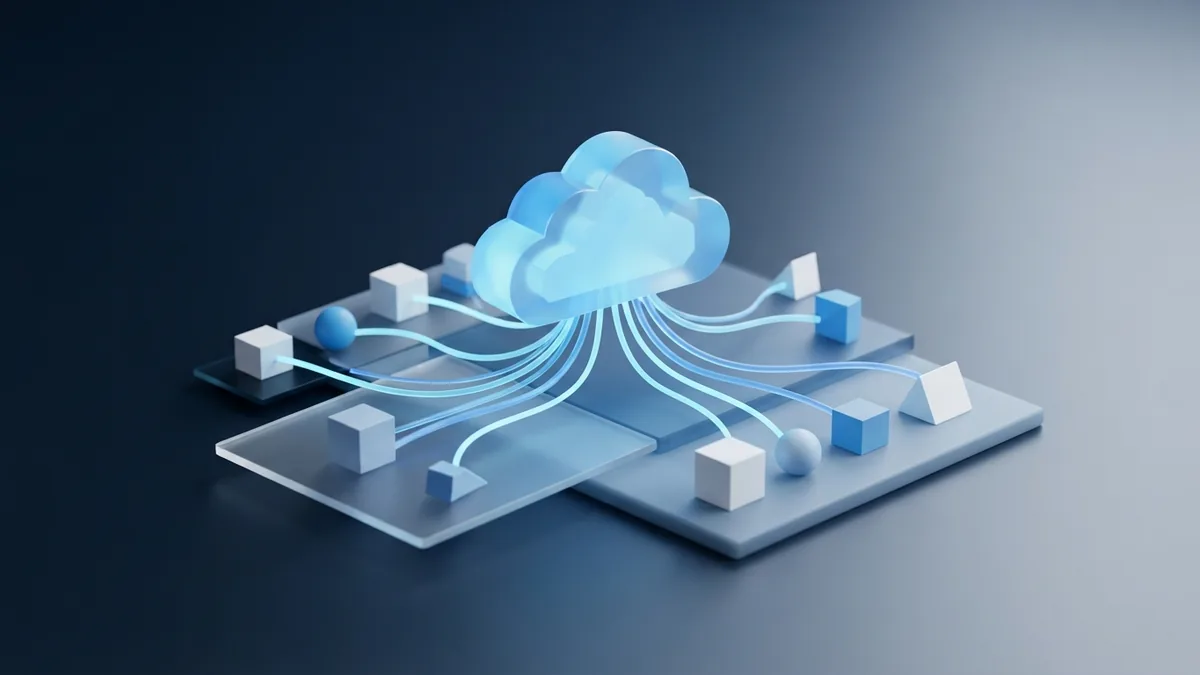
Key features of SaaS
A subscription model is a common feature of SaaS. It spreads the cost over time instead of asking customers to buy a full software license upfront. Fees may depend on the number of users, the features in use, or the amount of service needed. Read the plan terms closely, since extra storage or support may cost more.
Online access is another key feature. A user can sign in from an office, home, or a work trip. This can help teams with staff in different places. It also means that reliable Internet access matters, and some services may offer limited offline features.
Providers often send updates to users as part of the service. Users may not need to install each new release by hand. This can keep the product current, though a major change may affect familiar workflows. Look for release notes and admin controls if your team needs time to adapt.
Many SaaS products include tools for teamwork and data insight. Shared files, comments, and live edits can help people work together. Reports can show patterns in sales, service use, or project progress. These features can support better choices, but they work best when the data is accurate and access is well managed.
Security is shared work. A provider may use safeguards such as encryption, backups, and sign-in checks. The customer still needs to set user roles and remove access when staff leave. Ask the provider what safeguards it offers and how it handles data loss or service outages.

Benefits of SaaS platforms
SaaS can lower the need for local servers and hands-on software upkeep. A company may avoid a large upfront purchase and pay for the users or features it needs. This can make costs easier to plan. Yet a monthly fee can add up, so compare the full cost over the time you expect to use the service.
It can also be easier to scale. A business may add accounts when a team grows, then remove them when needs change. That flexibility can suit seasonal work or fast-growing teams. Check for minimum user counts, cancellation terms, and fees for moving your data elsewhere.
Access across places can help teams stay in step. Staff can view shared work and make changes without being on the same local network. Live collaboration can reduce delays when several people need to review a file or update a task. It may also support staff who work from home or travel often.
Automatic updates can reduce the time spent on routine upkeep. The provider maintains the service, while the customer spends less time installing new versions. SaaS tools may also link with other apps, such as billing or customer support systems. Good links can reduce repeated data entry and help work flow between teams.
Some platforms add reports and analytics that help teams spot trends. For example, a support team could track how long it takes to answer requests. A manager can use those figures to find delays and set a goal. The numbers should guide a decision, not replace context or sound judgment.

SaaS versus traditional software
With traditional software, a customer often buys a license and installs the program on a computer or company server. The customer may need to manage updates, backups, and system needs. SaaS is hosted by the provider, so users typically reach it online and pay a recurring fee.
Neither model suits every need. Installed software may fit work that must run offline or meet strict control needs. SaaS may suit teams that value quick setup and access from many locations. Some products offer both options, so check how each version stores data and handles updates.
| Area | SaaS | Traditional software |
|---|---|---|
| Access | Usually online through a browser or app | Often installed on a device or local server |
| Payment | Commonly a recurring fee | Often an upfront license, with possible support fees |
| Upkeep | Provider handles core hosting and updates | Customer may handle installs and upkeep |
| Growth | Plans may let users add or remove accounts | More licenses or hardware may be needed |
To distinguish a SaaS platform from regular software applications, look at who hosts and maintains it. A browser-based product is not automatically SaaS. The key point is that the provider delivers and runs the software as a service, rather than selling only a program for local installation.
Consider the whole cost, too. Include subscription fees, setup, staff training, support, and the work needed to move data. For installed software, include hardware and ongoing upkeep. A simple cost check over three years can reveal which model fits better.

Examples of SaaS platforms
Email services, online office suites, team chat, project planning, and customer relationship tools are common SaaS examples. A company may use one service to share documents and another to manage sales leads. Each tool runs online, while the provider maintains its core service.
Think about a small firm with ten staff. It could use hosted email, a shared calendar, and an online billing service. New staff can receive accounts without installing each program on a local server. An owner can also manage access as roles change.
A SaaS software company may focus on one field, such as design, finance, or customer care. When comparing providers, review the fit with your work, the support on offer, and the way the service handles data. Ask for a trial if available, then test real tasks with a few team members before signing up.
Check how data moves in and out of the product. A clear export path can help if your needs change later. Also confirm whether the tool links with the systems your team already relies on. A product with many features is not useful if it adds work or keeps key data trapped.
What may come next for SaaS
SaaS products are likely to add more ways to connect with other business tools. Better links can reduce duplicate work and keep records in sync. Buyers should still check which system holds the main record, how errors are handled, and whether each link adds a fee.
More services may also use data to suggest next steps or automate routine tasks. These features can save time when they solve a clear problem. Teams should test them on real work and review the results. A tool should make work easier, not add a new layer to manage.
Security and control will remain central as more work moves online. Buyers can ask how a provider protects accounts, keeps backups, and reports service issues. They can also set clear rules for who may view or change data. Careful checks help a company gain SaaS benefits without losing sight of its risks.
Frequently asked questions
What is a SaaS platform?
A SaaS platform delivers software over the Internet, usually for a recurring fee. The provider hosts and maintains the service, while users sign in online.
How is SaaS different from traditional software?
SaaS is usually hosted by its provider and accessed online. Traditional software is often installed and maintained on a device or local server.
Do I need to install SaaS software?
Many SaaS services work in a web browser, so users do not install the main program. Some providers also offer apps or tools for offline use.
Who handles updates and security for SaaS?
The provider handles the main service, hosting, and software updates. Customers still need to manage account access and protect their own data.
What are the main benefits of SaaS?
SaaS can lower upfront costs, make it easier to add users, and support access from different places. It can also offer shared work, automatic updates, and data reports.
Can a SaaS platform work without the Internet?
Most SaaS features need an Internet connection because the service runs online. Some tools offer limited offline access, but features may be restricted until the user reconnects.